Gacha Life Game: The Ultimate Beginner's Guide for 2026
📅 Last updated: · Edited by Sarah Mitchell, Game Content Specialist
1. What Is Gacha Life Game?
Gacha Life Game is a popular anime-style character creation and mini-game app developed by Lunime. Since its release, it has attracted more than 100 million downloads worldwide on Google Play and the App Store. The game lets you create custom anime characters, dress them up with hundreds of outfits, play Gacha mini-games, and use the Studio mode to tell your own stories.
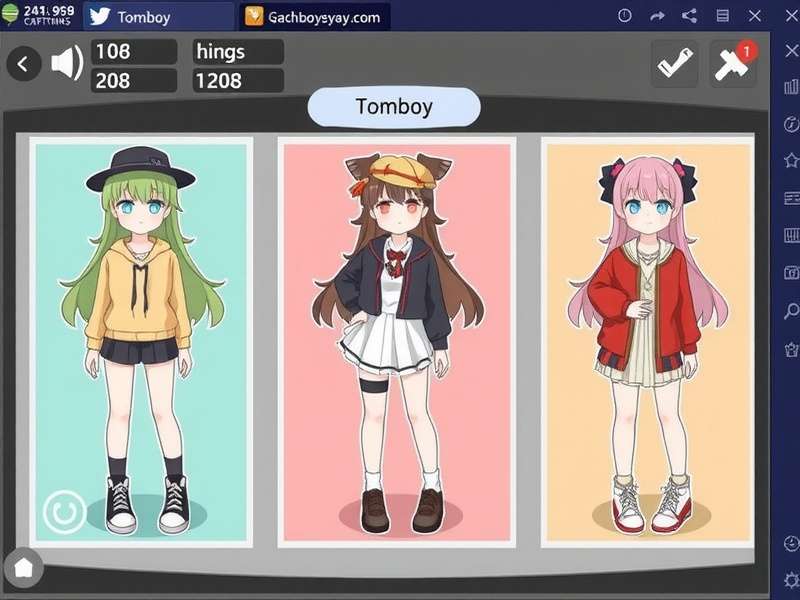
The core experience revolves around Gacha mechanics — a Japanese-style virtual lottery system. You spend in-game currency called Gems to pull random items, characters, and accessories. It's the gamble that keeps players coming back, combined with a genuinely fun dress-up and storytelling engine.
Why Gacha Life Is So Addictive
There are four main factors that make the game stand out:
- Endless customization: Thousands of hairstyles, outfits, glasses, wings, tails, and other items.
- Gacha mechanics: Random rewards create exciting "one more pull" moments.
- Studio mode: Players script their own anime episodes using in-game scenes and custom dialogs.
- No skill ceiling: Perfect for casual players who enjoy creativity instead of combat.
- Developer: Lunime
- Release: October 2018 (first release)
- Platforms: Android, iOS, PC (emulator)
- Price: Free with in-app purchases
- Rating: ★ 4.5 / 5 (Google Play 2026)
If you love Gacha Life, you should also check out Gacha Club Free — a spiritual successor with a more advanced character editor. And for newbie inspiration, browse Gacha Life Videos to see what the community creates.
2. Download Gacha Life: APK & PC Guide
Getting the game is easy. Follow this guide to install Gacha Life on your phone or PC. The game is free, but there are optional in-app purchases if you want extra Gems.
Official App Stores
- Google Play: Search "Gacha Life" — the developer is Lunime.
- Apple App Store: Same app, available for iPhone and iPad.
- Amazon Appstore: Also available for Fire tablets.
How to Download Gacha Life APK on Android
Some users prefer APK files for flexibility. Here's how to do it safely:
- Go to your phone Settings → Security and enable "Unknown sources" (or give browser permission).
- Open a trusted APK mirror site (always use APKMirror or similar).
- Download the latest Gacha Life APK (version 1.0.9 or newer).
- Tap the downloaded file to install.
- Open the game and enjoy.

Playing Gacha Life on PC
Since Gacha Life is a mobile app, you'll need an Android emulator to play on Windows or macOS. The two most popular options are:
- BlueStacks: Free and easy to set up.
- LDPlayer: Lightweight, great for low-end PCs.
Simply install the emulator, sign in to the Google Play Store, and install Gacha Life. For a detailed walkthrough, read our Gacha Life Pc guide. If your device can't run the latest version, try the legacy Gacha Life Antiguo build for better compatibility.
3. How to Play Gacha Life: Step-by-Step
Gacha Life may look simple, but it has many hidden features. Follow these steps to master the basics quickly.
Step 1: Create Your Character
Tap on the Character icon at the bottom. You'll see up to 20 slots for your characters. Press the "+" to add a new one. You can adjust:
- Body (proportions, skin tone, gender shapes)
- Face (eyes, eyebrows, mouth, blush)
- Hair (style and color, 50+ styles)
- Outfits (tops, bottoms, shoes, dresses, headwear)
- Accessories (wings, tails, glasses, jewelry)
Pro tip: Use the presets tab if you're in a hurry — you can still edit preset characters afterward.
Step 2: Try the Gacha Mini-Games
Go to Gacha mode. There are four mini-games (Munch, Duck, Memory, Skunk). You earn Gems by playing them. The key difference:
- Munch: Swipe food into a creature's mouth.
- Duck: Tap ducks as they appear — avoid bombs!
- Memory: A classic matching pairs game.
- Skunk: Flick away skunks before they spray.
Earning 2,000+ Gems per hour is possible with the right strategy. Focus on games you're good at and don't waste energy.
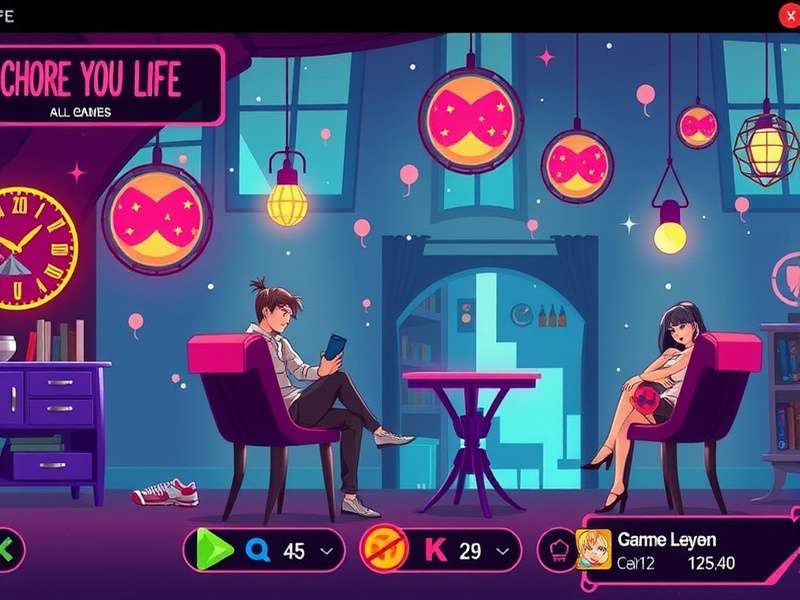
Step 3: Use the Studio Mode to Create Stories
Studio mode is the heart of Gacha Life. Here you make your own scenes with up to 10 characters. You can:
- Select a background (school, park, beach, dark alley...)
- Add dialog bubbles with your own text
- Animate characters (wave, laugh, jump, dance)
- Adjust camera angle and zoom
Many players use the Studio to create Gacha Life Mini Movie clips and share them on YouTube and TikTok. Some mini-movies get millions of views!
Step 4: Share Your Work
Once your character or scene is done, tap the Share icon. You can save to your device, export as PNG, or upload directly to the community feed — where other players can like and comment on your creations.
4. Gacha Life Characters & Skills
Gacha Life does not have combat skills in the traditional sense, but your characters become iconic through appearance and accessories. Here's a breakdown of popular fan-favorite designs and "skills" (aesthetic power).
Top 5 Trending Character Styles in 2026
| Character Style | Signature Features | Why Fans Love It |
|---|---|---|
| Pastel Princess | Pink hair, pastel dress, flower crown | Classic cute aesthetic |
| Bad Boy Edge | Leather jacket, scar, dark eyes | Edgy, mysterious charm |
| Mystic Mage | Flowing robe, staff, glowing eyes | Fantasy adventure vibe |
| Cyberpunk Dream | Neon colors, visor, metallic wings | Futuristic cool factor |
| Kawaii Angel | White wings, halo, soft blue dress | Heavenly pure look |
Character Slots & Customization
You get 20 slots to store your characters. Some players delete and recreate characters constantly; others keep a rotating lineup for Studio mode. You can also use the Import/Export feature to share your character codes with friends.
Looking for inspiration? Explore Gacha Anime showcases and the popular community forum covers new outfit ideas every week.
The "Skill" of Storytelling
In the Gacha world, skill equals visual storytelling. The most successful creators know how to make their characters' first appearance impressive. That means choosing coherent color palettes, appropriate backgrounds, and expressive face presets. Take 5 minutes to study the face editor — changing eyebrows and pupil size can drastically change a character's vibe.
5. Gacha Life Updates & Version History
Since its original launch, Gacha Life has received several important updates. Here's the latest news.
Live Update: August 2026
- Version 1.0.9.2 (2026-08-03) — Added 20 new background locations and 12 new Gacha mini-game levels.
- Version 1.0.9.0 (2026-07-12) — New "Lunime Anniversary" outfit set, including exclusive golden costumes.
- Version 1.0.8.7 (2026-05-30) — Fixed a critical Studio mode crash on Android 15 and added 25 new accessories.
- Version 1.0.8.5 (2026-03-18) — Introduced sticker rooms and six new character poses.
Version Comparison
♻️ Antiguo
Original 1.0.3
Basic studio, 40 outfits, no custom pose editor.
🌱 Current
1.0.9.2
200+ outfits, full Studio mode, 8 mini-games.
🚀 Next
1.1.0 beta
Reported: multiplayer battle minigames.
Historical note: Gacha Life Antiguo versions (1.0.3–1.0.5) remain popular among players with older Android phones. They work lighter and lack the heavy new backgrounds but still have the full character editor.
Rumors say a large update is coming in late 2026 — leaked images show a Gacha Life Club crossover mode that would let you share saved characters between the two apps. Check Gacha Life Club for more details.
6. Gacha Life FAQ & Player Reviews
Frequently Asked Questions
Is Gacha Life free to play?
Yes, Gacha Life is free on Google Play and the App Store. It contains optional in-app purchases for Gems — the game's virtual currency. You can earn Gems through mini-games without paying a cent.
Can I play Gacha Life without internet?
Yes. Gacha Life works fully offline once installed. The only features that require internet are community sharing and updates.
Is Gacha Life appropriate for kids?
Gacha Life is rated E for Everyone by most stores. However, parent monitoring is recommended because the community-created content on YouTube can sometimes include adult themes. Also some third-party "Gacha Life Sexo" content is not part of the official game — stay away from unofficial sites.
How do I get more Gems quickly?
Farm the Memory and Duck minigames, which give the highest gems per minute. Also claim daily login bonuses and watch free ads (if available) to boost your savings.